
Live Meeto Video Call
MeetoCam pairs you with whoever is online right now for a face-to-face call. You get a quick look at your match before the call opens, then talk or tap Next.
Free to start · nothing to install · 18+

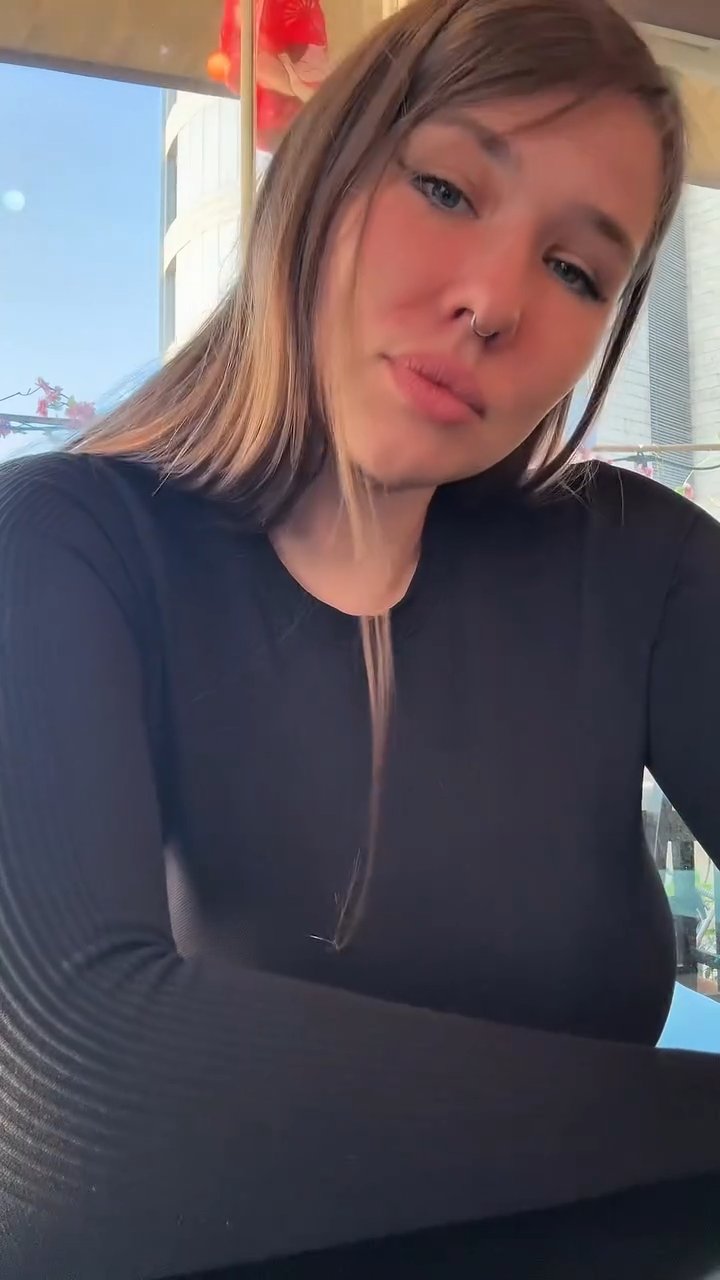

The first minute of a MeetoCam chat
There’s no profile to set up and no lobby to wait in. Here’s roughly what the first minute looks like. If you used Omegle back in the day, it’ll feel familiar, and our Omegle alternative page covers what changed.
- 0:00
You tap Start
Your browser asks to use the camera. Nothing is shared until you allow it.
- 0:02
A match comes up
You get a short preview of who’s on the other side before the call connects.
- 0:05
Say hello
Ask what they did today. Most people have a small story ready, and it beats talking about the weather.
- 0:30
Stay or move on
If the conversation’s going well, keep going. If it isn’t clicking, Next brings up someone else.
You decide how much of you they see
Video chat with a stranger feels easier when you’re in control. Every call has the same small set of buttons. Tap one to see what it does.
Switch to voice only
Turn your camera off in the middle of a call and the conversation carries on as audio. Turn it back on whenever you like.
Start an online video chat with no sign up form
Matching on MeetoCam is live. Open the page, tap Start, and you’re in a random video call with someone who happens to be online at that moment. No registration form comes up before your first call.
An account is set up for you as soon as you arrive, and the person you meet sees its nickname, photo and country. You don’t have to wait for a random match, either: open someone’s profile from the online list and you can call them directly, still without registering.
MeetoCam is moderated 24/7. If you’d like to keep your face blurred or your camera off, the buttons for that are explained in the section just above.
When you’re ready, the Start button at the top of the page takes you straight into a random video chat.
A few faces you could be talking to
 LinaLebanon
 IsabelEcuador
 RocíoBolivia
 NataliaColombia
 AmaraNigeria
 NourJordan
 MartinaArgentina
 ValentinaColombia
Looking for Meeto online?
MEETO (listed as MEETO- Live Video Call) is a random video call app you install from Google Play. MeetoCam is a separate website with its own video chat, not the MEETO app. If you came here hoping to use Meeto online without installing anything, this is the same kind of random video chat, and it works on a laptop as well as it does on your phone.
Our page on the Meeto alternative puts the two side by side, using what MEETO lists on its own store page.
A few habits that make every call better
- Keep personal details to yourself. Your full name, address and social handles can wait until you actually know someone.
- Report bad behavior. Once the call ends, open their profile and tap report. It takes a second and keeps the next match better for everyone.
- Adults only. MeetoCam is for people 18 and over.
Questions about MeetoCam
What is MeetoCam?
MeetoCam is a website for live video calls with people you haven’t met. You tap start, get paired with someone who’s online, and the call starts right there on the site.
Is MeetoCam the MEETO app?
No. MeetoCam is an independent site with its own video chat. We’re not connected to the MEETO app or Meeto Team, and we don’t offer MEETO downloads.
Can I use Meeto online?
MEETO itself is listed as an Android app on Google Play. If you’d rather video chat online, MeetoCam gives you random video calls on a website instead, but it’s a separate service, not MEETO.
Can I use it on my phone?
Yes. It works in Safari on iPhone and Chrome on Android, plus any recent desktop browser. Your browser will ask for camera and microphone access before the first call.
Is MeetoCam free?
Yes, it’s free to start. You get free matches when you first arrive, enough to try a few calls and get a feel for MeetoCam.
Can I keep in touch after a call?
Yes. When a call ends you can still send that person a message, and the thread is saved in your inbox. If they write in another language, tap their message to translate it.
Do I need to sign up before my first call?
No. There’s nothing to fill in before you meet someone. MeetoCam gives you an account automatically when you open the site, and that account is what keeps your conversations around after a call ends.
What happens to someone I skip?
After you tap Next past someone, they won’t come up as your match again for a while. If you block someone, they’re kept out of your matches for good.